How to Scan a File for Viruses / Scan Google Drives for Viruses
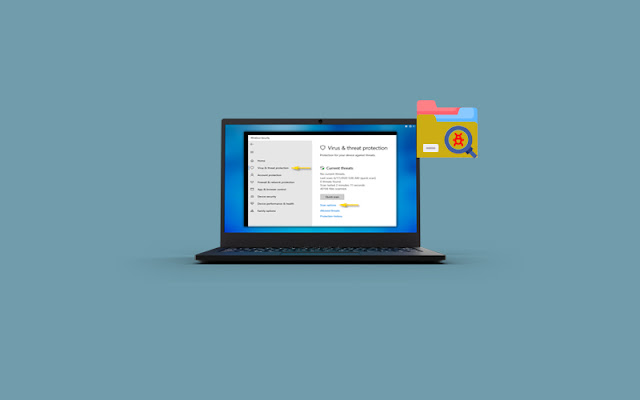
How to Scan a File for Viruses Scanning a file for viruses is as important as removing the viruses. Most devices offer a built-in scanner on the system. However, you can also scan a file for viruses using a third-party service. A virus scan can perform lot of activities on your system. Explore a scanning program below and learn how to scan a file for viruses. Tip: If you are unsure using for using antivirus software, we recommend you to download easy to use Waredot Antivirus software for perfectly scanning process on your system. How to scan a file for viruses windows 10 Microsoft Defender called “Windows Defender” on Windows 10 always scans files before you open them unless you’ve installed a third-party antivirus. You can also perform a quick scan for any file or folder, too. Let’s see how. 1. First of all, locate the file or folder you want to scan. Go to File Explorer and find it in the file menu location where you stored it. Once you find the fil...